
Aadhar Linking Missing - Compliance Report
Investwell Mint1 min read
On this page
Overview
In the compliance report, When you select Aadhaar Missing from the dropdown, Investwell Mint displays all folios where the PAN-Aadhaar linkage is incomplete. You’ll see each folio alongside the scheme name, investor details (including PAN and AUM), multiple Aadhaar fields for joint or guardian records, and a tax-status flag—so you know exactly which accounts need attention.
Click Refresh Data from RTA to fetch the latest CAMS/KFintech status.
Why It Matters
Without linking PAN and Aadhaar, transactions in these folios are blocked until the linkage is completed.
Action Steps
-
Identify Folios
- Check the list to see which folios need linking.
-
Link Online
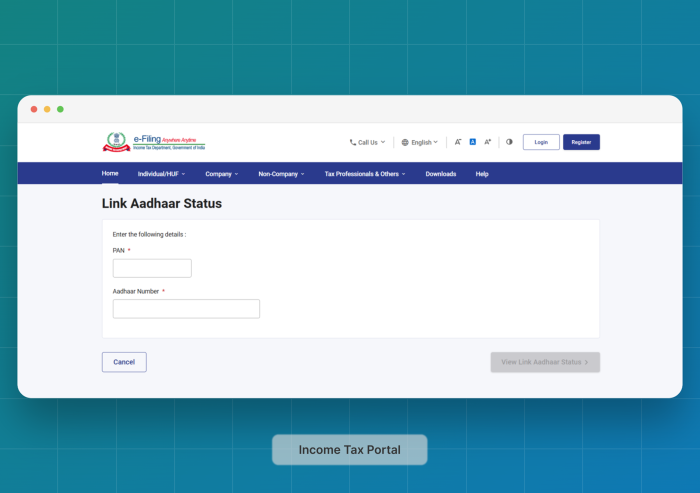
- Visit the Income‑Tax e‑filing portal, select Link Aadhaar, enter details, and verify via OTP.
-
Verify & Refresh
- Once confirmed by the Income Tax department, you can return to Investwell Mint and refresh the Compliance Report, where cleared folios will no longer appear.
Was this article helpful?
Still stuck? Email support@investwellonline.com.